

Feedback
To send feedback or request new features, click on the map icon on the top right of the workspace in the navigation bar.
Documentation
To find documentation and help regarding Proddy AI, click on the help icon on the top right of the workspace in the navigation bar.Chat Support
To avail Chat Support in Proddy AI, click on the chat support icon on the top right corner of the workspace in the navigation bar You can either select from the set of questions or chat with us in the chat section available at the bottom of the Support Popup Menu.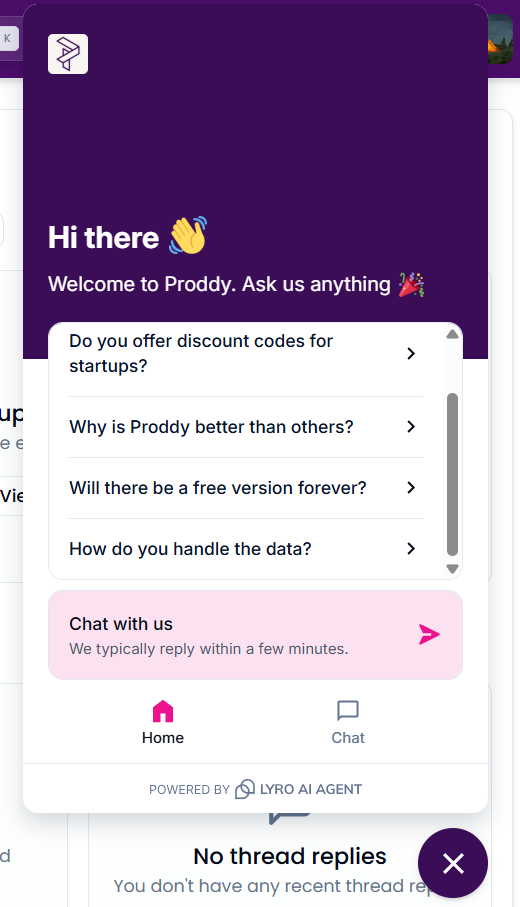
System Status Proddy maintains complete transparency. It shows you all components’ uptime for your convenience. To check system status, including databases and AI features uptime, click on the system status icon
