Skip to main contentWhat you’ll need
- Access to a workspace
- Permission to send and reply to messages in channels or tasks
How threads work
Threads are automatically created when users reply to a specific message in a conversation.
You cannot manually create a thread from the Threads page.
Create a thread
- Go to a channel or task where messages are posted.
- Hover over a message you want to respond to.
- Click Reply (or the thread/reply option).
- Type your response and send it.
All replies to that message are grouped into a thread.
View threads
To view your threads:
- Open the Threads section from the left sidebar.
- You will see:
- Active thread discussions
- Threads where you have replied or been mentioned
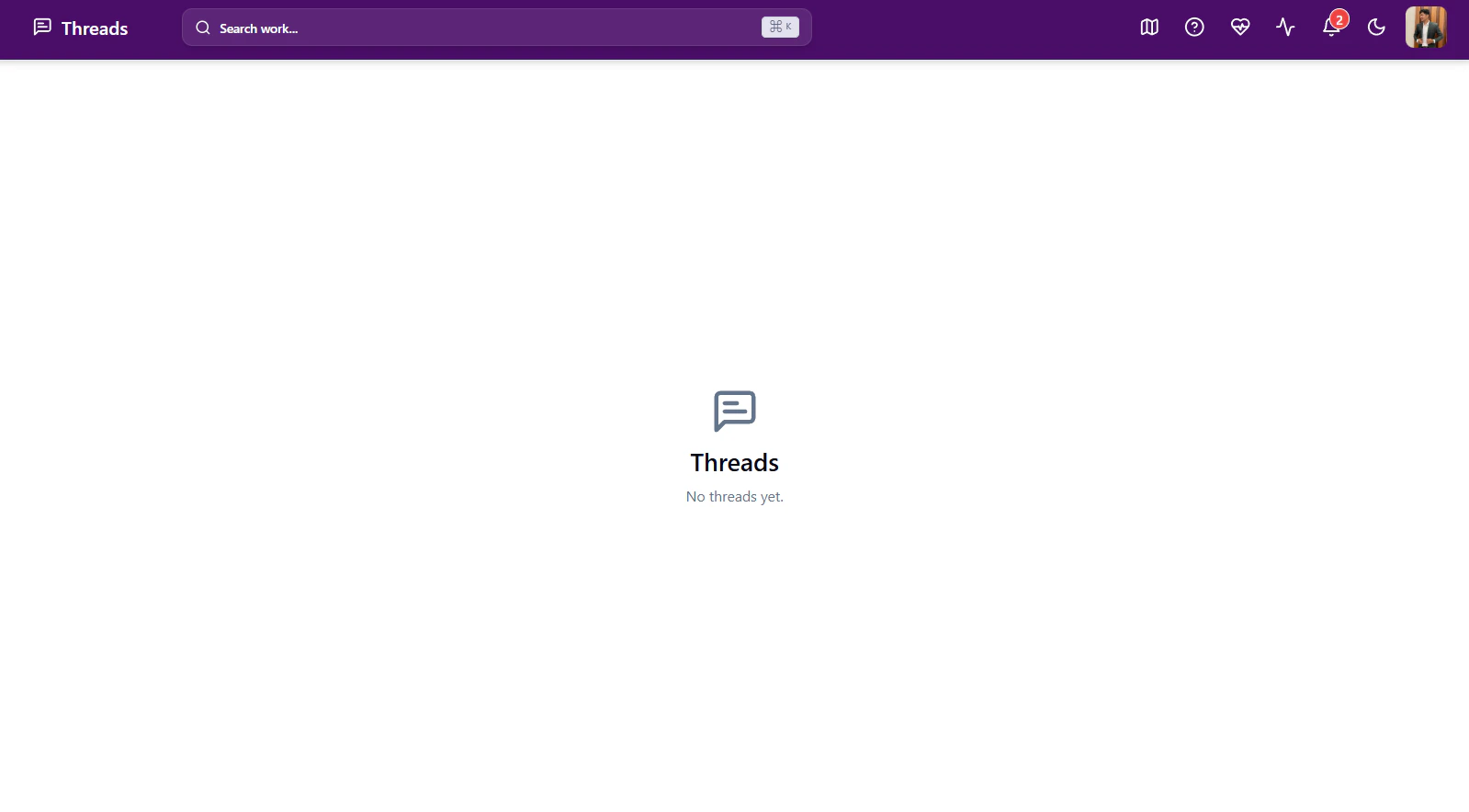
- If no threaded replies exist, the page will display “No threads yet.”
Where threads also appear
Thread activity may also appear in:
- Dashboard → Thread Replies
- @ Mentions
- Related tasks or conversations
Notes
- Threads are created only through replies to messages.
- The Threads page remains empty until at least one threaded conversation exists.
- This helps keep discussions structured and easy to revisit.

